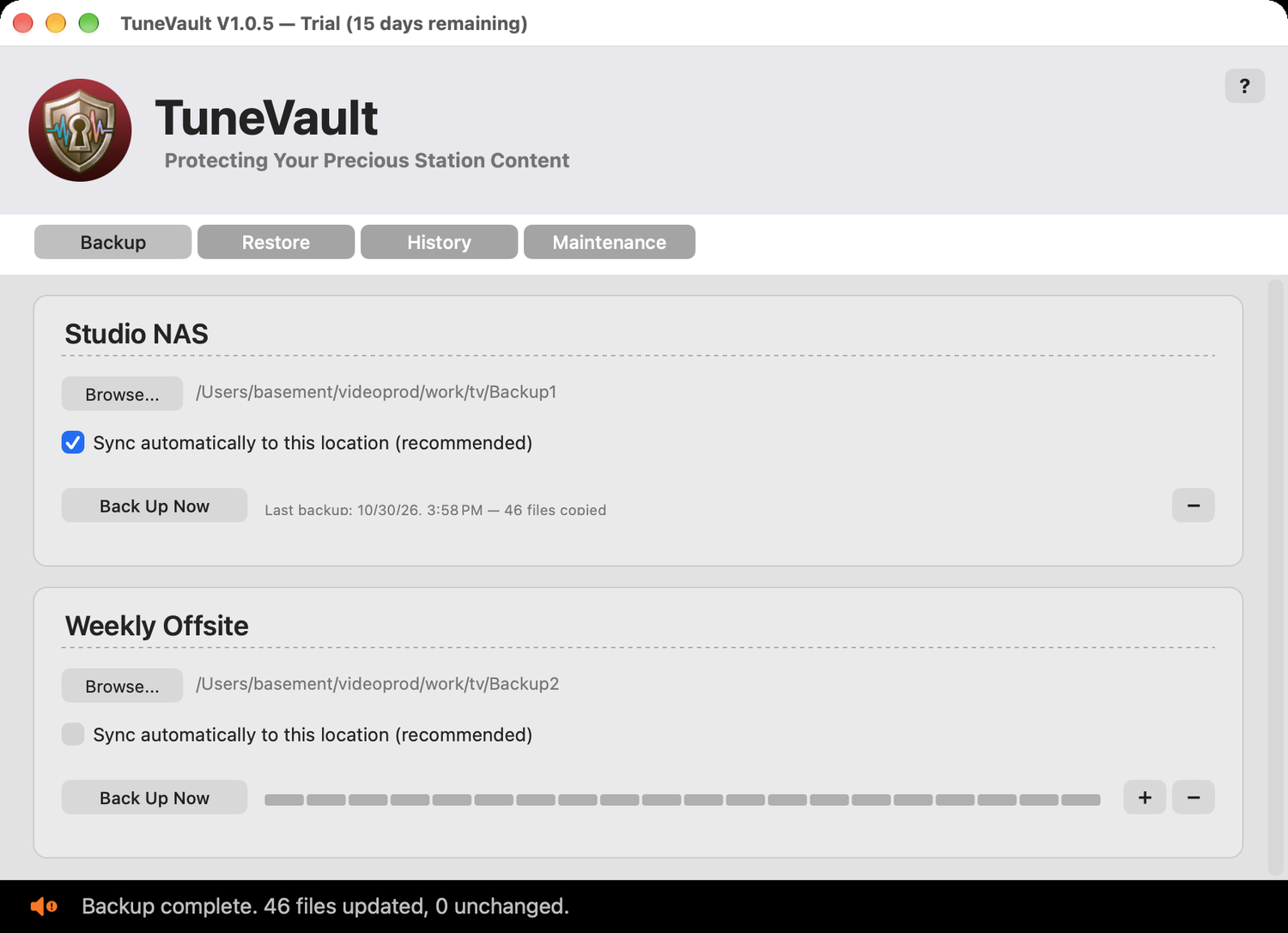
TuneVault is your station's safety net. It quietly watches your TuneTracker Station folder and keeps a safe backup copy of everything inside it — your audio library, program logs, format clocks, voice tracks, scripts, settings, and all the content that makes your station yours.
Set it once. Forget it forever. Sleep easy.
TuneVault works in two complementary ways:
TuneVault never deletes files from your backup. If a file is removed from your live station, the backup copy stays put. This means your backup can only grow — it never loses anything unless you explicitly clean it up.
Backing up is safe while your station is on the air. Backup operations only read files from your Station folder — they never modify anything in your live station. Two programs reading the same files at the same time is perfectly normal on macOS.
The only time being on the air matters is during a restore, because restoring writes files back into your Station folder, and TuneVault does not check whether a file is in use. The safest time to restore files your station is currently playing is when it isn't playing them, and for a full station restore you should close your automation software first.
TuneVault discovers your Station folder automatically through the same shared settings that all TuneTracker apps use. You don't need to tell TuneVault where it is — if your TuneTracker apps (such as AutoCast, Librarian or ClockWork) know, TuneVault knows.
Everything inside your Station folder is backed up. Everything outside it is not. This is by design: TuneTracker keeps your entire station — audio, logs, clocks, settings, scripts, all of it — inside a single folder. That architecture is TuneVault's superpower. It doesn't need to know what the files are or what they do. It watches a folder and copies files. Simple, complete, reliable.
Your backup is only as good as your destination. Back up to a separate physical drive whenever possible — an external drive, a NAS, or a cloud-synced folder. Backing up to the same drive as your Station folder protects against accidental deletion but not against drive failure.
To stay focused and do its job well, TuneVault is deliberately not:
TuneVault does one thing: protect a single TuneTracker station. And it does it thoroughly.
Free-version customers receive 30 days of free email support. Paid customers receive ongoing free email support, plus 30 days of free phone support. Email support@tunetrackersystems.com, or see the TuneTracker support page for details, including optional paid phone support plans.