The Production Room Tells the Story
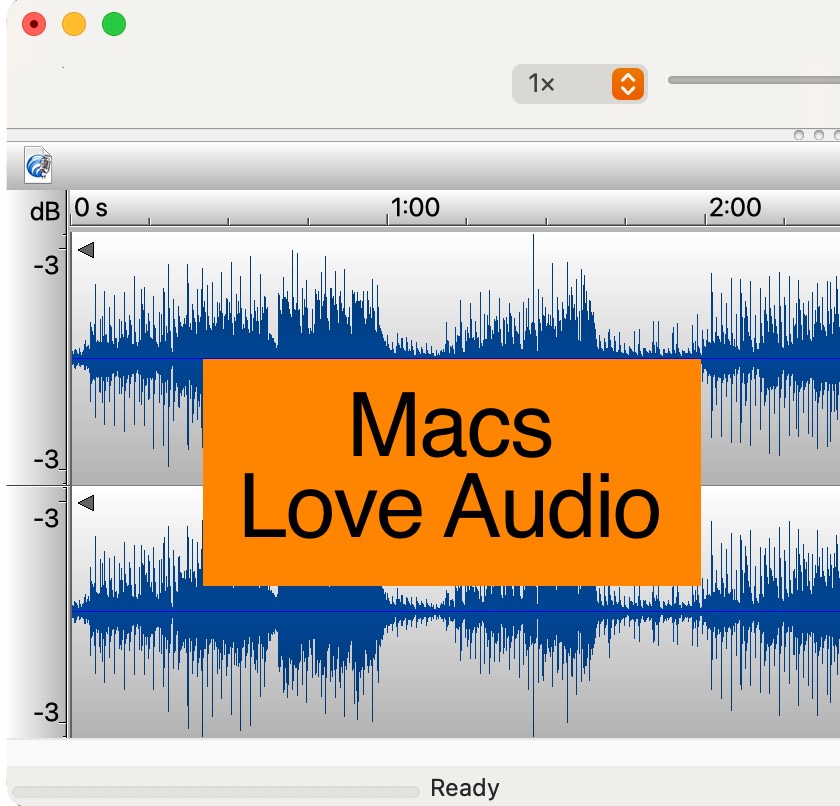
This isn't a sudden change. It's the result of a slow migration that's been happening for fifteen or twenty years, and it's mostly finished. Visit a modern radio station — community, college, public, commercial — and the production studio is more likely than not running on Apple hardware. Producers are editing on Macs. Voice-trackers are recording on Macs. Imaging directors are building sweepers and promos on Macs. Field reporters are filing audio from MacBooks.
You can see it in the gear lists, in the job postings, and on the desks. Where Windows production rigs used to be the norm, the iMac and the Mac mini have moved in and made themselves at home. Even stations that don't think of themselves as "Mac shops" tend to have at least one Mac in the building — usually the one that produces the polished audio.
How Apple Won the Production Room
This didn't happen by accident, and it didn't happen through marketing. It happened because, when it comes to handling audio, the Mac is genuinely better at it — and the people who spend their days listening closely to what comes out of a computer figured that out a long time ago.
Core Audio Was Built for This
macOS has had a low-latency, sample-accurate audio engine baked into the operating system since the early 2000s. Core Audio isn't a bolt-on or a workaround. It's part of the OS, and every audio application on the Mac talks to it directly. No third-party drivers. No ASIO. No exclusive-mode versus shared-mode decisions. Plug in a USB microphone or an audio interface, select it, and it works.
For a producer who's switching between recording, editing, and bouncing audio dozens of times a day, that consistency adds up. The Mac doesn't lose audio when an update lands. It doesn't suddenly route to the wrong output because something in the driver stack got confused. It just plays back the file you asked it to play back, at the level you set, through the device you chose.
The Apps Are There
The production tools that broadcasters reach for are mostly on the Mac, and several of them are only on the Mac. Logic Pro is Mac-only. GarageBand is Mac-only. TwistedWave, Hindenburg, Audio Hijack, Loopback, Fission, Amadeus Pro — the short list of apps that radio producers actually use day-to-day reads like an Apple App Store category page. Even the cross-platform giants — Pro Tools, Adobe Audition, Reaper — have a long Mac heritage and tend to feel most at home there.
That ecosystem didn't form by chance. It formed because audio professionals asked for it, paid for it, and stuck with the platform that gave it to them.
It Stays Out of Your Way
Anyone who has ever been three hours into editing a feature, with a dozen tracks open and an unsaved arrangement, knows the special panic of a forced restart. Macs largely don't do that. Updates wait until you say so. Background processes don't suddenly seize the CPU. The system stays quiet so you can hear the work.
For producers, that's not a luxury. It's a working condition. A computer that interrupts you mid-edit is a computer you can't trust with paid client work or a tight production deadline. A computer that stays out of the way is a computer that earns its place on the desk.
Some Numbers
The trend isn't anecdotal. Mac market share among general computer users has roughly tripled over the last fifteen years — from the single digits in the late 2000s to somewhere around 15–20% of personal computer sales today, depending on whose figures you read. In the United States it's higher still, and among creative professionals it's higher again.
In music and audio production specifically, surveys consistently put Mac usage well above the general market — some put it past 60% of working professionals. In broadcast post-production and podcasting, the numbers tilt even further toward Apple. Apple Silicon (the M-series chips that started shipping in 2020) accelerated all of this, by giving the Mac performance-per-watt that no Windows laptop has matched since.
None of these numbers are decisive on their own. Together, they point in one clear direction. For the kind of work that radio production rooms do, the Mac has won.
The Curious Divide
Now here's the strange part. Walk out of that Mac-equipped production studio, down the hallway, into the on-air room. Look at the desk. What's there?
A Windows PC running radio automation.
This is the pattern at hundreds of stations. The same engineers and producers who insist on Macs for production — who will tell you, with feeling, that the Mac handles audio better — are running their on-air automation on a Windows machine. Sometimes a Windows machine that's been carefully tuned, with auto-updates disabled and antivirus stripped out, sitting in a closet, doing its best to be reliable.
Ask why, and the answer is almost always the same: because that's what radio automation runs on. Not because anyone preferred it. Not because Windows is the better platform for unattended 24/7 audio. But because the automation companies built for Windows, and the stations bought what was available. We've written about why that happened — the short version is that Windows had the desktop in the 1990s when radio went digital, and momentum did the rest.
The Cost of the Divide
A station that runs Macs in production and Windows on-air is, in practice, running two operating systems, two file systems, two software ecosystems, two sets of user accounts, and two sets of headaches. Files have to move between them. Network shares have to be configured to talk across them. Backups have to handle both. When something breaks, the troubleshooting depends on which machine it broke on.
Most station engineers have made peace with this. It's the way it's always been. But "the way it's always been" is not the same as "the way it has to be," and a growing number of stations are looking at that on-air Windows machine and asking the obvious question: why is this still here?
What Changes When On-Air Comes to the Mac
Bringing the on-air computer onto the same platform as the production room isn't a cosmetic change. It changes the way the station runs.
One Platform, One Workflow
Files produced in the production room land directly in the on-air library, on the same file system, with no format conversions, no path-length issues, no character-encoding surprises. Producers and on-air operators work in the same environment. The shortcuts are the same. The keyboard layout is the same. The way you mount a network volume or browse a folder is the same. Training time drops. Mistakes drop with it.
Audio Stays Clean End-to-End
The audio handling that made the Mac the production-room favorite — Core Audio, low-latency routing, predictable behavior — carries straight through to playout. There's no platform handoff between where a piece of audio is produced and where it goes to air. What you mixed is what listeners hear, with no extra layers of driver translation in between.
The On-Air Machine Stops Being a Liability
The Windows on-air machine has, for years, been the station's most fragile computer. It's the one that can't be touched, can't be updated, can't run anything else. Move that role to a Mac and it becomes a normal computer again — one that can sit unattended for weeks, take updates on the station's schedule rather than Microsoft's, and share resources with the rest of the studio without becoming a single point of failure.
The IT Picture Gets Simpler
One operating system to keep up to date. One backup strategy. One set of user accounts. One vendor for hardware support. For a station with a part-time engineer or a volunteer who handles the computers on weekends, this matters. Less surface area means fewer surprises, and fewer surprises means more time spent on the radio and less on the IT closet.
And Maybe One Mac Is Enough
Once production and on-air both live on the Mac, an interesting possibility opens up: they don't necessarily have to live on two different Macs. Modern Apple Silicon hardware is so capable that a single machine — a Mac mini, an iMac, even a well-specced MacBook Pro — can comfortably run automation, scheduling, library, and streaming on one side while a producer is recording, editing, and bouncing audio on the other. With capacity to spare.
That's a big enough idea to deserve its own article, and we wrote one — on why doubling-up jobs on a single Mac actually makes the Mac the cheaper computer for radio, not the more expensive one. For now, the short version is this: the migration we've been describing isn't always a Mac moving in next to another Mac. In plenty of stations, it's one Mac quietly doing the job of two.
Why the Divide Persisted — Until Now
For a long time, the Mac side of the radio world was missing one thing: serious, professional automation software. There were a handful of options — mostly single-purpose playout tools, mostly aimed at hobbyists or internet stations — but nothing that a working terrestrial station could build a 24/7 operation on. So when it came time to choose an automation system, stations bought Windows automation, because that's where the grown-up software was.
That's the gap we've spent twenty-five years filling. TuneTracker is a complete, professional automation suite built from the ground up for macOS — playout, scheduling, library management, streaming, remote broadcasting, voice tracking, the whole stack. Not ported. Not emulated. Native Mac software, designed by broadcasters who chose the Mac for the same reasons your production room did.
Stations using TuneTracker can finally close the divide. The same Mac that produces the audio can put it on the air. The same network share that holds the imaging library can serve the on-air log. The same engineer who knows how the Mac works in the production room knows how it works on the on-air computer too — because it's the same computer.
One Platform. From Mic to Transmitter.
The migration of production to the Mac is essentially complete. The migration of on-air to the Mac is just getting started, and it's going to look a lot like the production migration did: gradual, station by station, driven by the people who actually have to listen to what comes out of the speakers.
If your production room is already on a Mac, your on-air room is probably the next logical step. You'd be moving onto a platform you already trust, with audio handling you already know is better, on hardware you already understand. You'd be retiring the one Windows machine in the building that has to be handled with kid gloves — and replacing it with a Mac that fits the way the rest of the station already works.
The Macs are already moving in. We're just here to help them finish the job.
Bring your on-air computer onto the same Mac you produce on.
TuneTracker System 7 is professional radio automation built natively for macOS — playout, scheduling, library, and streaming, all in one suite. There's a free version. Download it and have audio playing in minutes.
Download TuneTracker Free