Articles & Guides for Broadcasters

Practical, honest advice for radio station operators — from community programming to station setup, remote broadcasting to budgeting. Written by people who've been building radio software for 25 years.

The Big Picture

Why Macs Cost Less

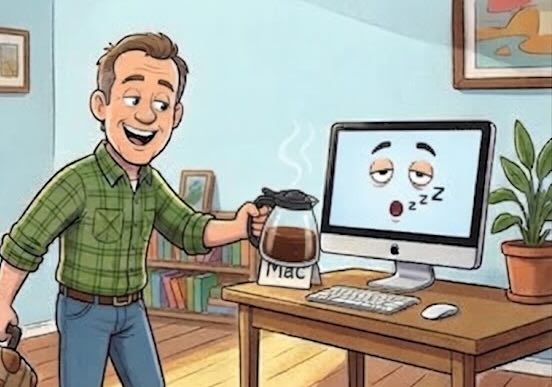
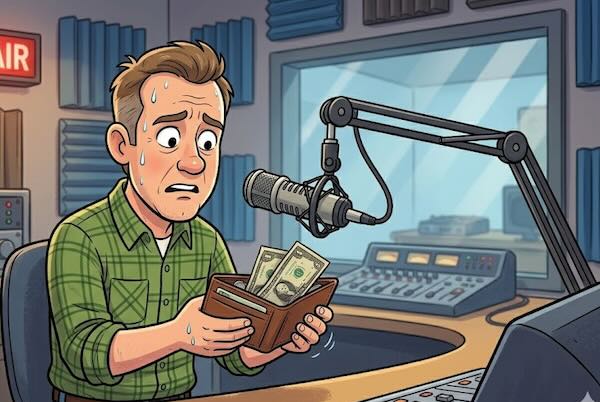
Macs cost more on the sticker. So why do stations running on them tend to spend less on computers over time? Doubling up jobs on one Mac, longer hardware lifespans, and the total-cost math that flips the price argument on its head.
Macs Are Moving In

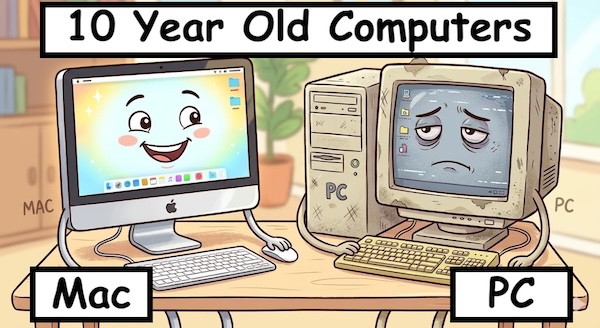
The production room has quietly become Apple country. So why is the on-air computer still Windows? A look at the divide between production and on-air — and why it's finally starting to close.

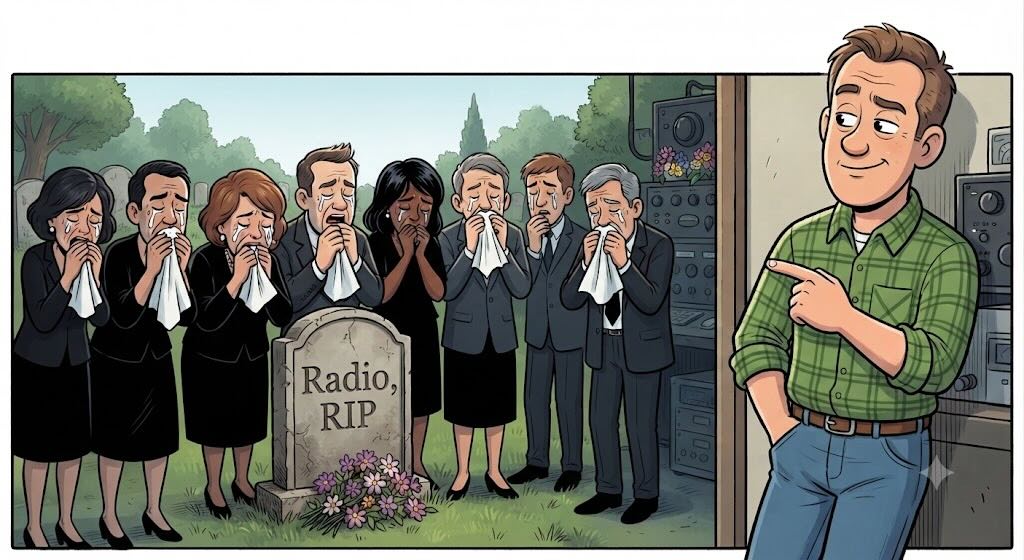
Is Local Radio Dead?

Everyone says radio is dying. Over 220 million Americans still listen every week. What the research actually shows — and why the answer matters.

A cartoon funeral for radio — with someone pointing at broadcast equipment still running

Old School Radio: Why the Basics Still Work

Technology changes. The fundamentals of great local radio — a trusted voice, useful information, community connection — are the same as they were in 1930.

The MacBook Neo as a Radio Station Computer

Apple's entry-level laptop is more capable than its price suggests. For a budget station, a school broadcaster, or anyone who needs their station to be portable, it may be exactly the right computer.

Mac vs. Windows: It's Not Even Close

An independent reviewer tested budget and premium machines from both platforms across 12 categories. The results were lopsided — and they explain exactly why TuneTracker runs on Mac.

Why Is Everyone's Radio Automation on Windows? And Why We're Not.

How Windows became the default for radio automation, the baggage that came with it, and why we chose a different room.

Addressing the "Gotta Use PCs for Radio Automation" Mindset

The assumption that radio automation means Windows has a history — and that history is worth understanding, because the world it describes no longer exists.

LPFM and Community Broadcasting

The Power of Community Involvement, Part 1: Local Is Your Superpower

A big-city signal has more staff, higher-paid talent, and slicker production. The one thing it can never have is your town. Here’s why that’s enough to win.

The Power of Community Involvement, Part 2: The Programming Tools

Local news, sports, PSAs, lost pets, obituaries, school closings, community calendar — the specific formats that make a station feel indispensable to the people it serves.

The Power of Community Involvement, Part 3: Getting Out Into the Community

Remote broadcasts turn your station from a voice in the room into a physical presence in your community. Here’s why it matters, where to go, and how to make it great radio.

What Keeps Your Town Tuned In, Part 1: The On-Air Draws

What actually makes people choose your local station over everything else competing for their ears? Swap shops, obituaries, name mentions, local sports, and the morning voice that knows the place. The specific programming elements that build real loyalty.

What Keeps Your Town Tuned In, Part 2: Getting Out From Behind the Mic

Remote broadcasts, community events, charity drives, school connections, and showing up when things go wrong. The off-air moments that build the on-air audience.

The Five Biggest Challenges Cited by LPFM Stations

Money, volunteers, programming, signal, and FCC compliance — the same five answers come back from a roomful of LPFM operators, in roughly the same order. What's hard, why, and what the long-lasting stations do about each one.

LPFM, All Grown Up

Twenty-five years after the FCC created Low Power FM, how's the experiment going? How many stations made it, where they are, what they're broadcasting — and how the rest of the world has built community radio of its own.

AI Voices in Radio: Where They Help, Where They Hurt

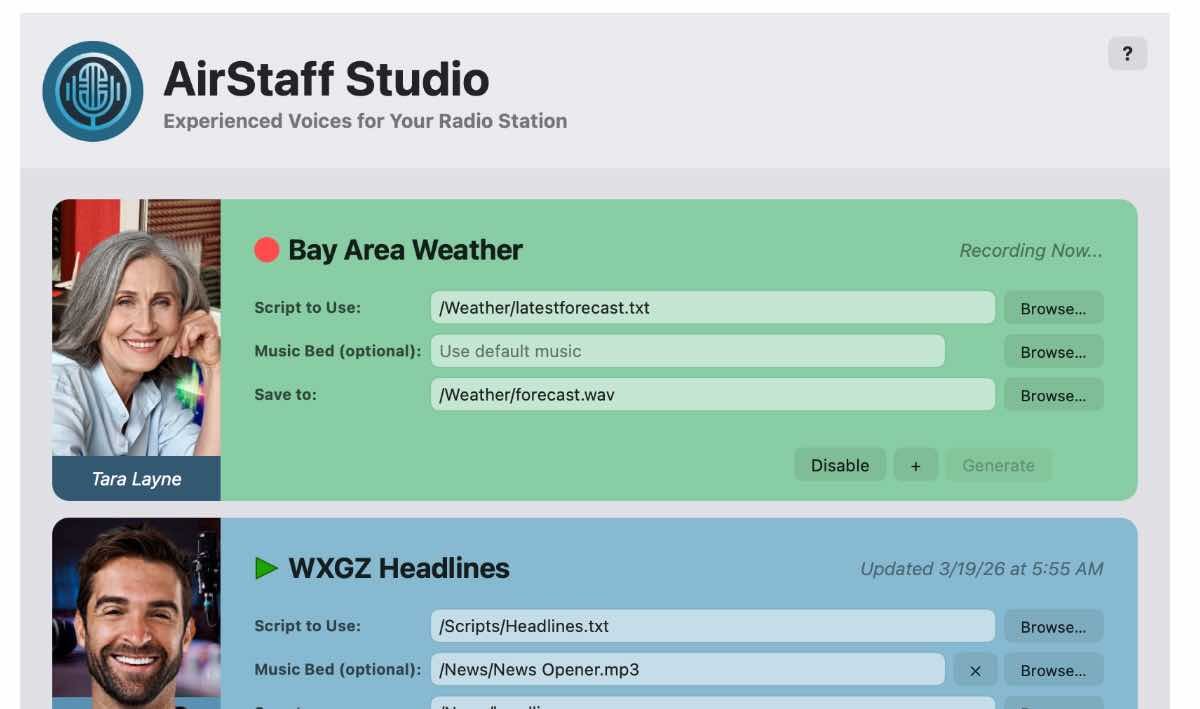
AI voices have gotten genuinely good. They belong on a radio station — in some places. Where they help, where they hurt, what listeners can tell, the disclosure question, and a practical approach for stations weighing the call.

Understanding Format Clocks

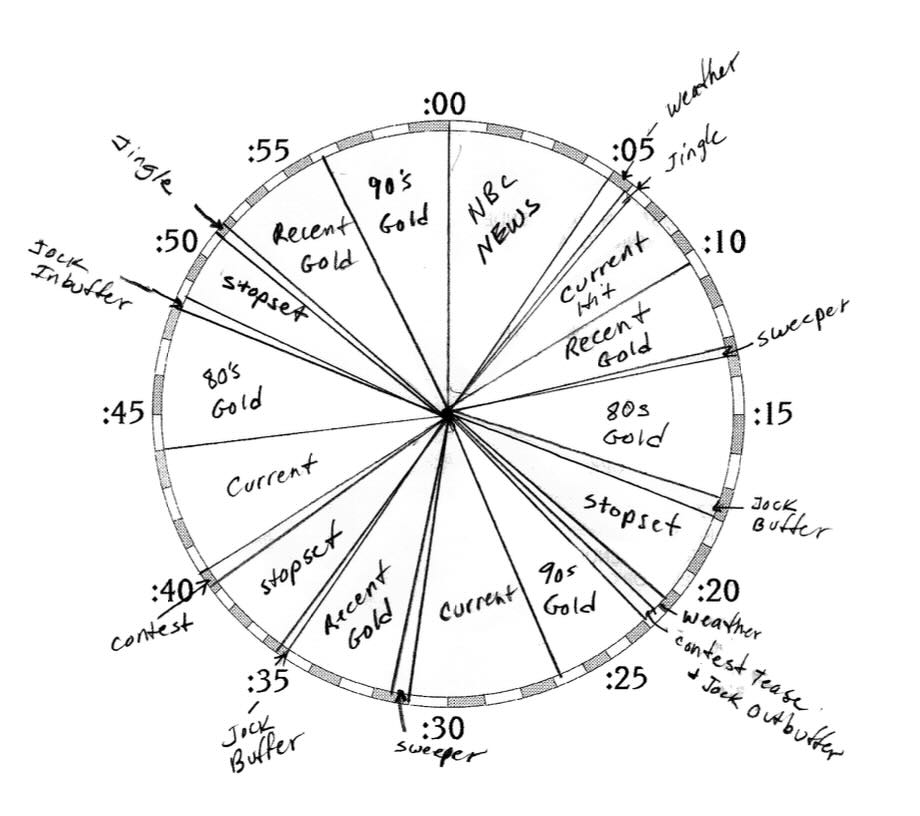
Format clocks are the architectural blueprint of every radio hour. What's on a clock, why every station needs them, how to design one — with a sample hour walked through minute by minute.

Small Budget. Big Sound.

Quality programming isn't really about how much money the station has. It's about decisions. A practical look at how small stations sound big — voice, music, imaging, local content, and the small details that make the difference.

Your Radio Station's Lifeline: Being the Community Touchpoint

Your small station can't outspend the big signals. But you can out-local them. Being the community touchpoint is how small stations win.

The Lost Art of Truly Local Radio

There was a time when your radio station knew your town. That kind of radio didn't disappear because people stopped wanting it. It disappeared because stations stopped doing it.

How Big Does the News Need to Be?

The news doesn't have to be big to matter. On a local station, the stories your neighbors care about are the ones nobody else is telling.

Local Reports That Make Listeners Care

Beyond the community calendar — Pet Patrol, the lunch menu, local history, the garden report, and a dozen more segments your station should be running.

More Voices on Your Station

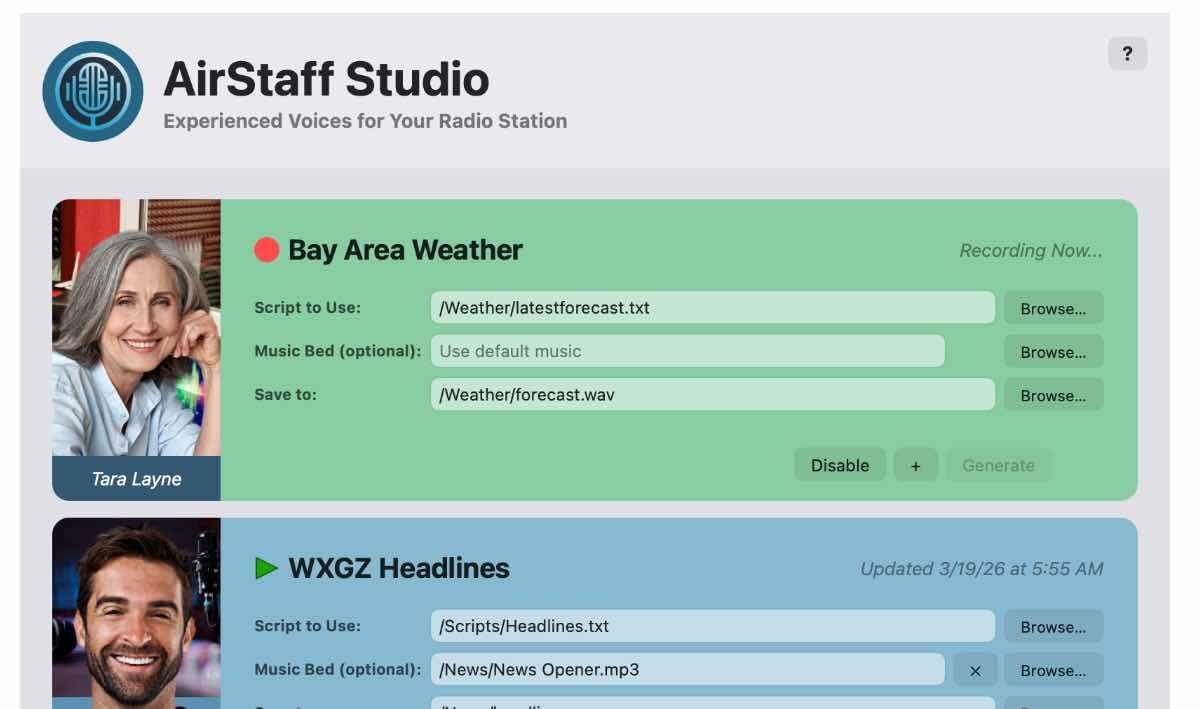
A one-person station doesn't have to sound like one. Community contributors, voice banks, AI voices, and remote recording — without adding to your payroll.

Remote Broadcasting

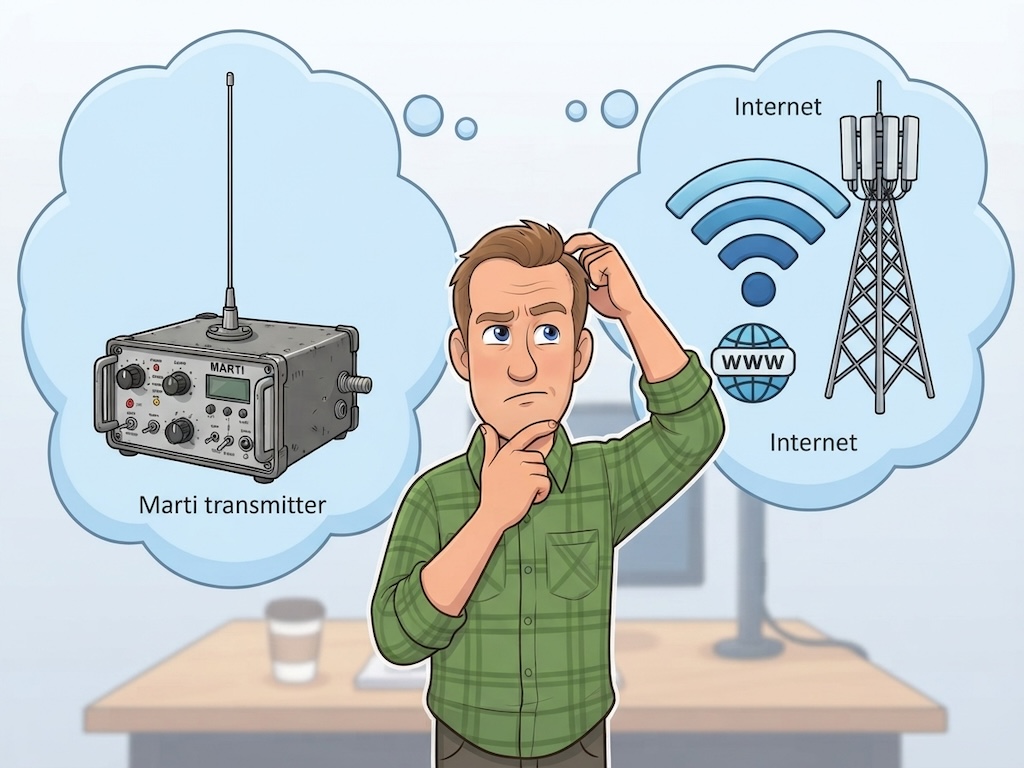
Has Marti Met Its Match? Remote Broadcasting Then and Now

The Marti RPU served radio stations faithfully for half a century. CastAway does the same job — over Wi-Fi, from any laptop, without an antenna, a truck, or anyone back at the station.

Doing a “CastAway” Remote Broadcast

Step-by-step: everything you need to set up and run a live remote broadcast with CastAway — from connecting to your station to taking yourself live from anywhere.

Doing a “Dress Rehearsal” From a New Remote Location

Walking into a new remote location cold on broadcast day is where things go wrong. Here’s how to do an advance visit and test broadcast so nothing surprises you on the day.

Remote Broadcasting for Small Stations

You don't need a remote truck. A laptop, a mic, and a folding table. That's a remote broadcast — and it might be the most important thing your station does.

Remote Possibilities: Locations You Haven't Considered

The county fair and the car dealership are obvious. The vet's office, the barber shop, the fire station, and the post office at Christmas? Those are the ones that surprise people.

Doing Really Remote Remotes

Sketchy internet? No connection at all? You can still get great event coverage on the air — from phone call-ins and portable recordings to driving a thumb drive back to the station.

Station Setup & Technology

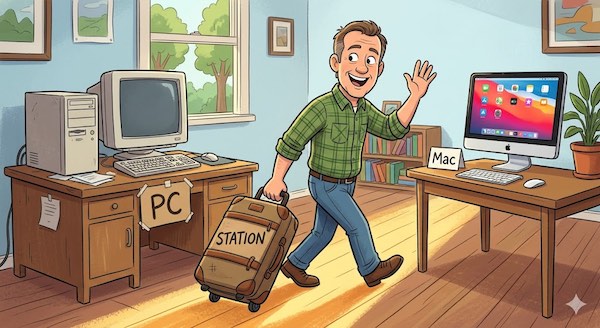
From Windows to Mac: Migrating Your Radio Station

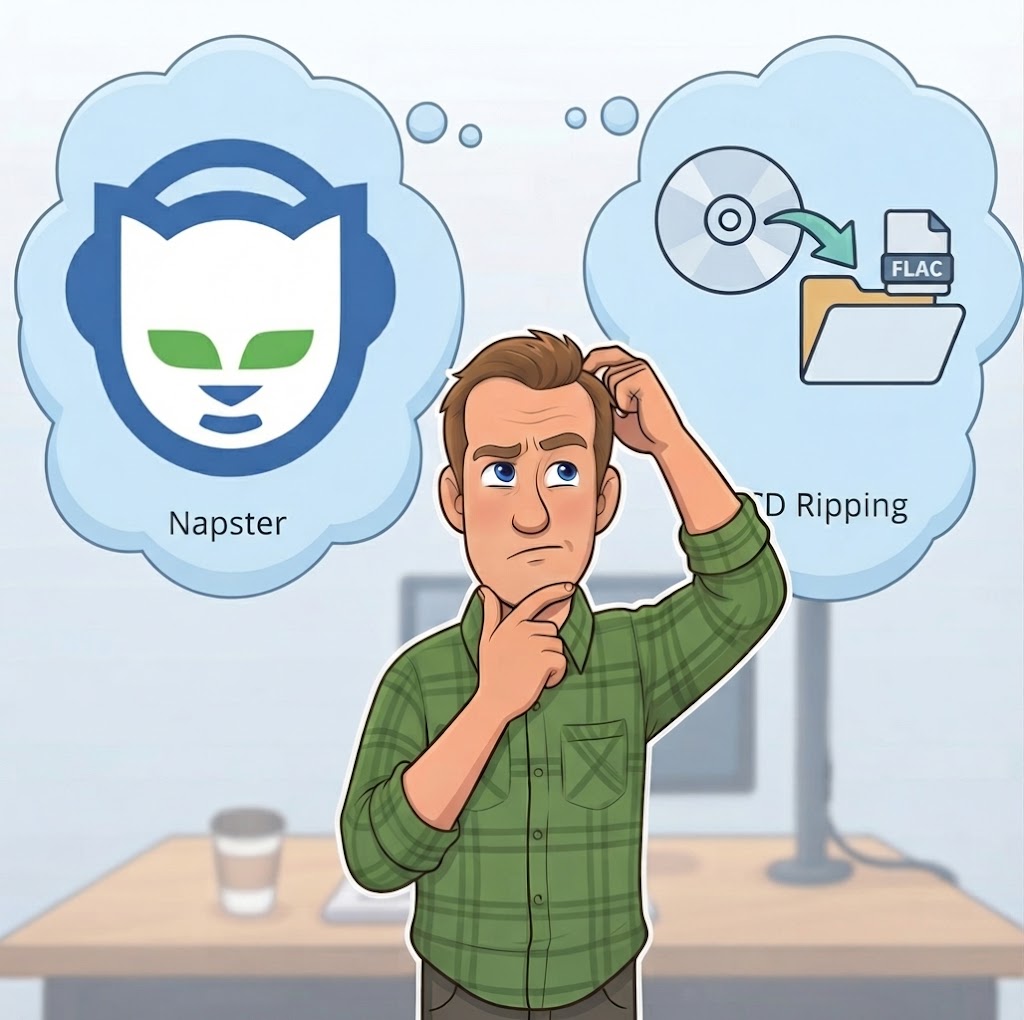
A practical, phase-by-phase guide for moving an existing Windows-based station to a Mac. Library transfer, clock recreation, parallel running, staff training, the switchover day — without dead air.

From Box to Broadcast: Setting Up Your All-in-One Mac

A practical, ordered guide to turning a fresh Mac into a complete radio station — automation, production, and streaming on one machine. Storage layout, audio routing, OS tuning, and a first-week shakedown plan.

Do You Still Need Two Computers?

The two-computer rule made sense in 2005. On a modern Mac, one machine handles automation and production without breaking a sweat.

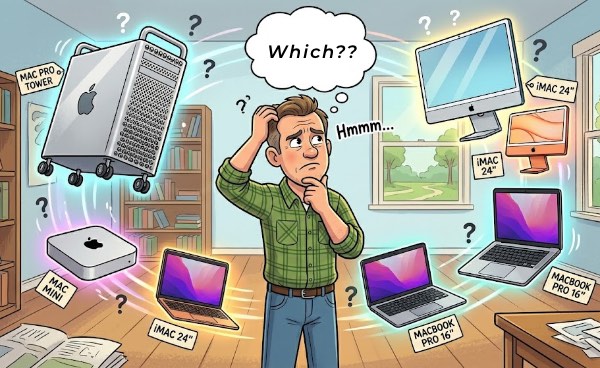
Which Mac Do You Need to Run a Radio Station?

An honest look at which Macs work for 24/7 radio automation — from the M1 Mac mini sweet spot to older Intel machines with caveats.

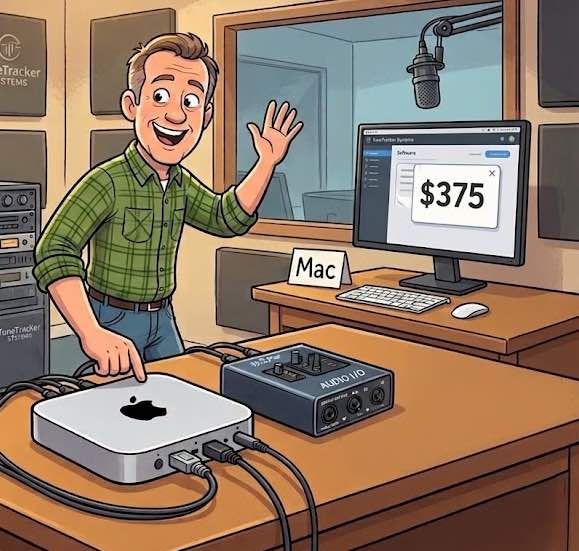
Radio Automation on a $400 Mac "Flame Thrower"

The M2 Mac mini from 2022 and 2023 is selling used on Facebook Marketplace for $350-$400, and it runs the whole TuneTracker System like a walk in the park. Where to find one, what to ask, and why "like new" really means it.

Optimizing Your Mac for Radio Automation

Login items, cloud syncing, notifications, Spotlight indexing — the things eating your processor's lunch and how to clean them up in fifteen minutes.

Radio Production Software: How Fancy Is Fancy Enough?

You don't need a $600 DAW. Audacity, TwistedWave, and GarageBand handle everything a small station produces. Here's what actually matters.

Streaming & Internet Radio

Should Your Radio Station Stream?

The case for, the case against, the costs, the licensing, and how it actually works. A complete guide to putting your station online.

Your Files. Your Computer. Your Station.

Cloud platforms are convenient. They also take your programming decisions out of your hands. Why local control makes your internet station better.

Getting Started

Radio Automation That Thinks in Mac

TuneTracker is built exclusively for macOS. Not ported from Windows. Not running through an emulator. Here's what Mac-native means for your station.

Professional Radio Automation. Free.

Not a demo. Not a trial. Real automation software with playout, scheduling, and library management — free, with no time limit and no credit card.

Why TuneTracker System 7 Is Set to Become the World’s #1 Free Radio Automation System

No other free radio automation system comes close to what System 7 Free delivers. Here’s why that matters — and why we’re doing it.

Welcome to Our Pads

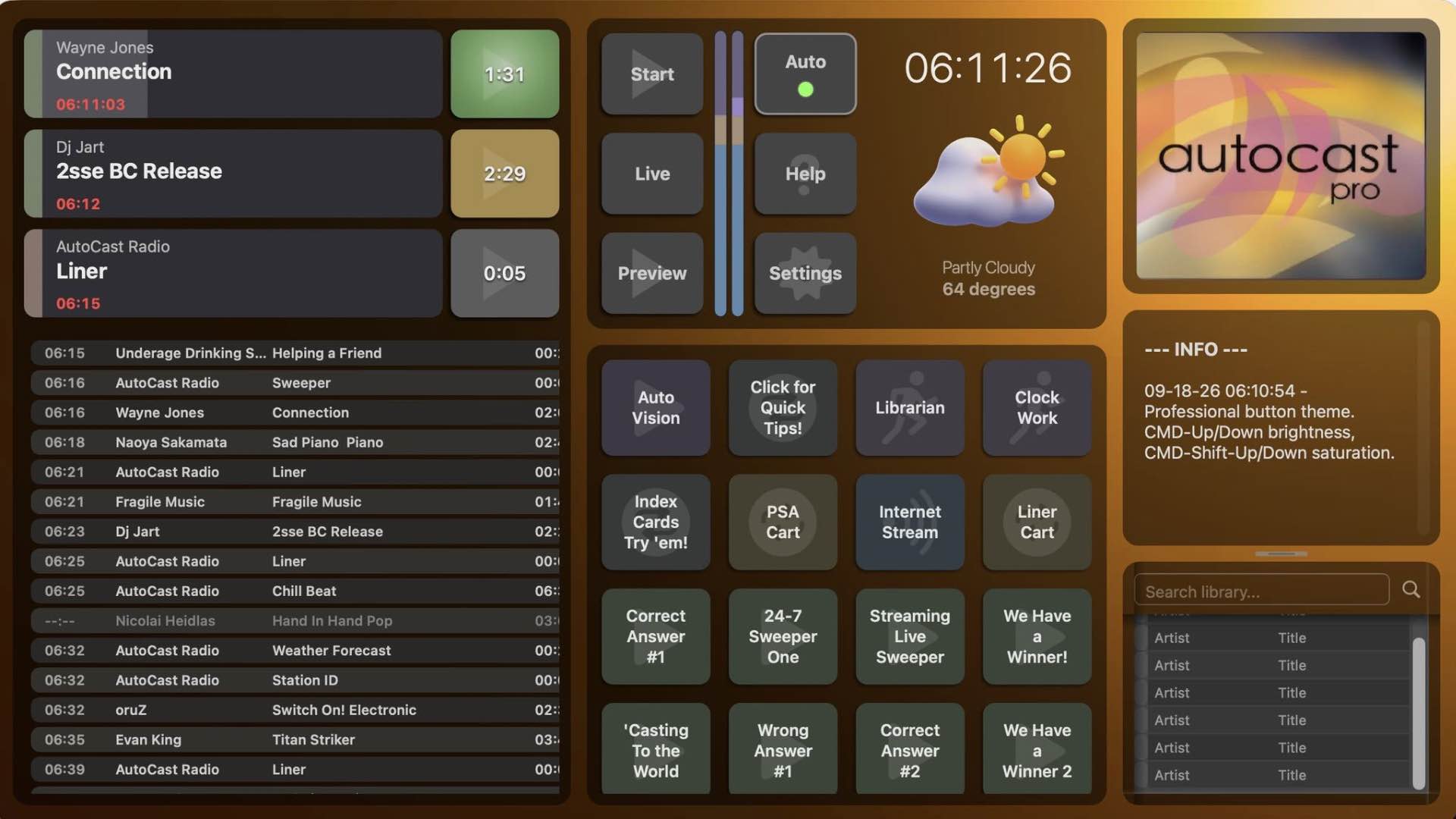
AutoCast has four work areas — MessagePad, WeatherPad, SearchPad, and ButtonPad — each designed for a specific job. Here’s what each one does and why it’s there.

What a Small Station Can Do Without — And What It Can't

Running a station on a tight budget means knowing the difference between the corners you can cut and the ones that will cut you back.