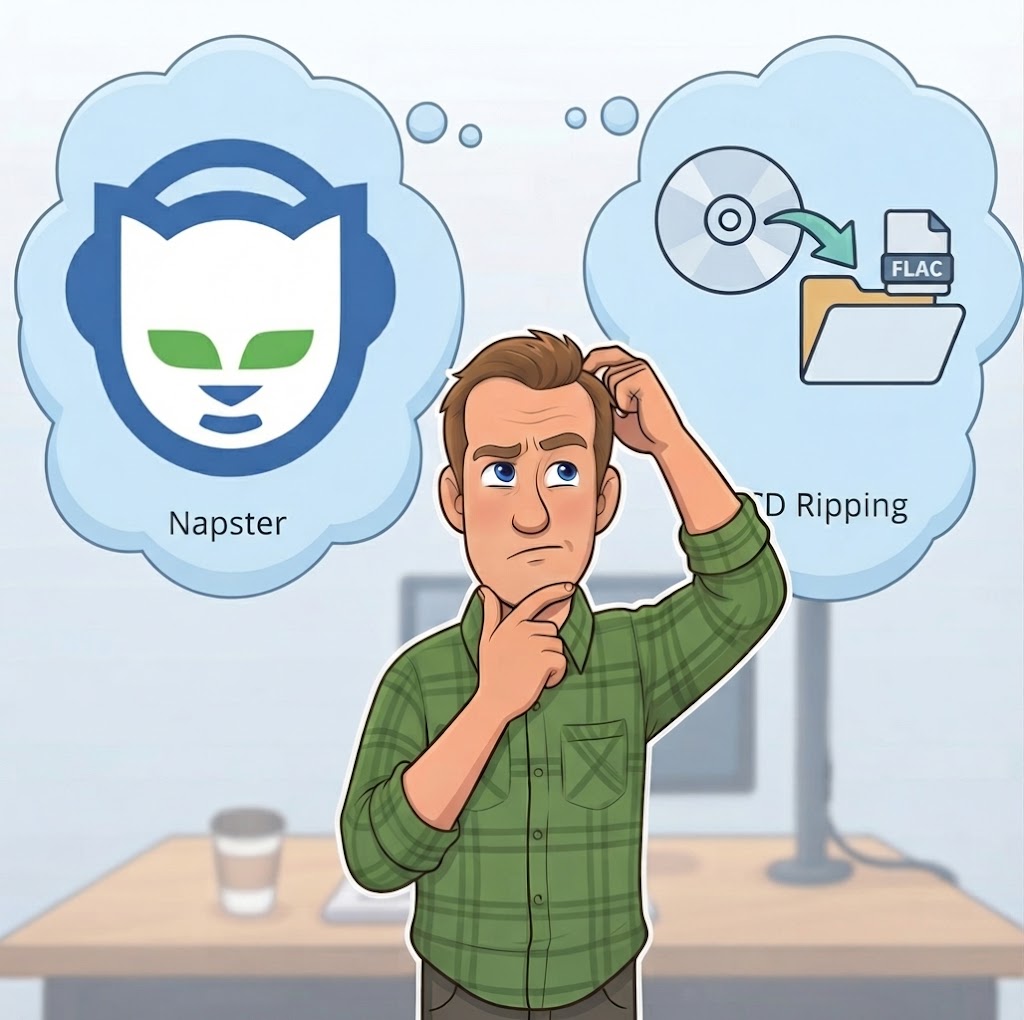
Somewhere on your station's computer there's probably a folder you don't like to think about. It's thousands of MP3 files, gathered over ten years, or twenty, or more. Some came from a DJ's personal collection. Some came from a staffer who "had a bunch." And a good share of them date from the Napster era, when getting music meant downloading it from strangers.
This isn't about pointing fingers. Nobody set out to build a problem. Those files piled up one favor and one hard drive at a time, and they kept working, so they stayed. But they're worth a hard look, because that folder carries two problems at once: a legal one and a sound-quality one. And today there's a much better way to build a library.
The Legal Problem
Start with the uncomfortable part. Most of the music that spread through Napster and the file-sharing networks after it was copied without permission from the artist or the label. Files that came from those networks are, in most cases, unauthorized copies. A station that plays them on the air is on shaky ground.
The exposure is real. Under U.S. copyright law, statutory damages run from $750 to $30,000 for each work infringed, and up to $150,000 per work if a court finds the infringement was willful (that's 17 U.S.C. §504(c)). Multiply that by a library of thousands of songs and the numbers get serious fast. The performance licenses your station pays to ASCAP, BMI, and SESAC cover playing licensed music on the air. Generally speaking, they don't turn an unauthorized copy into an authorized one.
We're not lawyers, and this isn't legal advice. But it's a question worth taking seriously, and worth asking your own attorney about.
The Quality Problem
Even if the legal question disappeared tomorrow, those files would still be a poor foundation for a radio station.
Napster-era files were made to be small, because hard drives were small and dial-up was slow. They're MP3s, and MP3 is a lossy format: it saves space by permanently throwing away audio information that the encoder decides you won't miss. Bitrates from that era were often 128 kbps or lower, and they varied a lot from file to file, depending on who made the copy and what software they used. At 128 kbps, the side effects are audible to many listeners: smeared attacks, hollow-sounding cymbals, a general dullness.
You can't fix that after the fact. Once the information is discarded, it's gone. Converting an old MP3 to a WAV or FLAC file gives you a bigger file, not a better one. And on the air, the problem doesn't stop there, because your station's own audio processing and stream encoding then work on top of what was already thrown away.
A library built from mixed sources also tends to have other problems: uneven loudness from song to song, missing or wrong song information, and no silence trimming or transition points set for automation.
A library of mismatched, lossy, unauthorized copies isn't an asset. It's a liability you've been carrying.
“But Doesn't Lossless Take Up Too Much Space?”
MP3 made sense once. In the Napster era, an 8 GB hard drive was considered big, and storage ran roughly $12 per gigabyte. Shrinking a song to a tenth of its size was a real advantage. That was the whole reason the format took over.
Check the math today. A typical 3½-minute song is about 3.4 MB as a 128 kbps MP3, and about 37 MB as an uncompressed, CD-quality file. Lossless FLAC or ALAC roughly halves that. For a 10,000-song library, that works out to about:
- 34 GB as 128 kbps MP3s
- 185 GB as FLAC
- 370 GB as uncompressed AIFF or WAV
Prices have bumped up this year during an industry-wide shortage, and new drives still run only around $50 a terabyte, about five cents a gigabyte. At that price, the entire difference between the MP3 library and the full-quality one comes to roughly $17 to $20 of disk space. That's the price of lunch. In the Napster era, the same 336 GB of extra storage would have cost around $4,000. Storage is now more than 200 times cheaper per gigabyte, and the reason to use MP3s is gone.
A Better Way: Buy the Music on Disc
Here's the good news: there's a legitimate way to build a big, high-quality library quickly and cheaply, and it's sitting in thrift stores and garage sales. It's the compact disc.
CDs went out of fashion, and the supply is enormous. Estate sales, rummage shops, library sales, and people quietly clearing out their basements are all selling them for very little. Facebook Marketplace is a particularly good hunting ground. Search for “CD collection” or “crate of CDs,” find someone with a stack they want gone, and make them an offer. It's not unusual to come home with a few hundred discs at a time, which means a few thousand songs. We wrote a whole guide to finding them in The Secret Radio Resource Everyone Forgot: CDs.
A CD is also the best source there is. It holds uncompressed audio, so you can rip it losslessly, with nothing thrown away, and get every bit of the sound the artist released. You'd never get that from an MP3.
And there's a legal advantage. When your library comes from discs you actually bought and still own, you have a paper trail: a real, purchased copy of every song. Keep the discs somewhere safe. That's the standard, defensible way for a station to build a library. (Again, if you have questions about your own situation, your attorney is the right person to ask.)
The Catch: Ripping Is Only the First Step
Pulling audio off a disc is the easy part. The trouble is that a CD straight off the disc isn't ready for radio. It has dead air before and after each track, loudness that varies wildly from album to album, and none of the transition information your automation system needs. Do all of that by hand for a few hundred discs and you've signed up for a very long project.
Where Ripper Comes In
That's exactly what we built Ripper to take care of. Ripper is a tab inside Librarian that turns the whole job into a single pass:
What Ripper Does
Detects the disc the moment you insert it, and looks up the artist, album, and track information online automatically, so you're not typing it in.
Rips it losslessly. Files come off the disc as AIFF by default, and you can also choose WAV, FLAC, or ALAC, all of which are lossless. (AAC is available too if you ever need smaller files.)
Gets the audio ready for air. Ripper can trim the silence from the start and end of each track and normalize the loudness, so songs from different albums play back at consistent levels.
Walks you through the finishing touches. When the rip is done, Ripper's wizard steps you into Librarian's Attribute editor to polish the song information, then into the Transitions editor to mark the points AutoCast uses for its segues. You're less likely to forget them, and the files land in your library ready to use.
What used to be four separate jobs (rip, clean up, tag, and mark transitions) becomes one continuous process in a single window. On a slow afternoon, with a box of discs and a cup of coffee, you can add real depth to your library and know that every file in it is clean, consistent, and yours.
Ripper is a one-time $39.95 purchase that unlocks the tab inside Librarian. There's no subscription.
You Don't Have to Replace Everything Overnight
Nobody's suggesting you delete the old library this afternoon. A practical approach is to start with the songs you play the most. As you find and rip the discs, swap in the clean, lossless versions and retire the old files behind them. A few weeks of this and the songs your listeners actually hear will be the best-sounding, best-documented ones in the building. Over time, the questionable files fade out on their own.
Quick Checklist
- Take stock of the old MP3s. Where did they come from, and at what quality?
- Remember that lossy files can't be restored. Converting them to WAV or FLAC doesn't bring back what's gone.
- Do the storage math. Lossless costs only a couple of dollars more per thousand songs than MP3s, and storage is hundreds of times cheaper than in the Napster era.
- Hunt for CDs: estate sales, thrift stores, library sales, and Facebook Marketplace crates.
- Rip losslessly, keep the discs, and keep your paper trail.
- Let Ripper handle detection, tagging, silence trimming, normalization, and the trip through the Attribute and Transitions editors.
- Start with your most-played songs and work outward.
Sources: 17 U.S.C. §504(c); typical MP3 and CD-quality audio data rates; historical and recent hard drive pricing. This article is general information, not legal advice.
Build a library you can be proud of, one disc at a time.
Ripper turns a stack of secondhand CDs into clean, consistent, lossless files, ready for AutoCast. TuneTracker System 7 — free version available.
Learn About Ripper