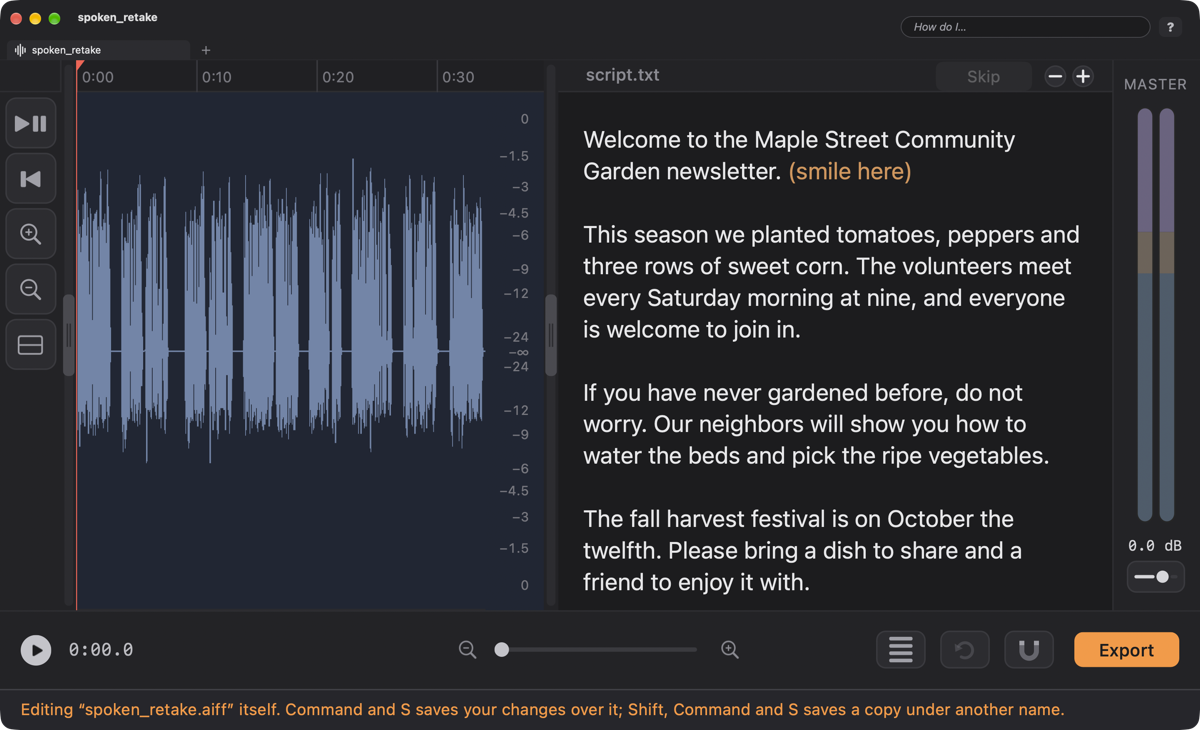
At the right edge of the project window, just left of the master meters, there is a thin bar. Drag it, or double-click it, and a drawer slides out. The drawer holds one helper at a time, whichever you asked for last: your script, the Cookbook, ClipView or the Keyboard Guide. It works the same in Multitrack Mode and in the Single Track Mode window, and the tracks or the waveform always settle into the room that is left, so nothing ever slides underneath it.
| Key | Opens | Good for |
|---|---|---|
| ShiftV | The Script | Reading your script beside the waveform, with Follow-Along marking the words you said differently. (In both modes. You can also open it from its bar, or with Script ▸ Show the Script.) |
| X | The Effects Deck | Effect cards you can switch on, stack, reorder, save as a deck and (in Single Track Mode) apply to the audio. |
| C | The Cookbook | Ready-made recipes for the chosen track, heard on your own audio. |
| I | ClipView | The sounds you use again and again: a sign-off, a bed, a sting. |
| K | The Keyboard Guide | Every shortcut in FastTracker, with a search box. |
Everything about reading, writing and following a script is on The Script Viewer. In the drawer it works as it always did, and its find bar (⌘F) always fits inside the drawer.
Click a track's name, a clip, or an empty spot in its lane to choose a track, then tap C (or choose Audio ▸ Show the Cookbook). Click a recipe and you hear it on your own audio; Use This Recipe keeps it. The number keys 1 to 8 (the first card is Your current sound), B (Bypass), Return and Esc work as they always have, and Polishing a Voice tells the whole story.
Two things are new with the drawer. While the Cookbook is open, editing is locked, so nothing changes under a recipe you are listening to. And anything that takes the drawer away is a Cancel: tapping C again, Esc, or opening the Script, ClipView or the Keyboard Guide (or the bar itself) all put the track back to its own sound. The favorites bar in the Single Track Mode window has a frying-pan button for it, Show the Cookbook.
Tap I. The cards, the tags and how to put a clip in are on the ClipView page.
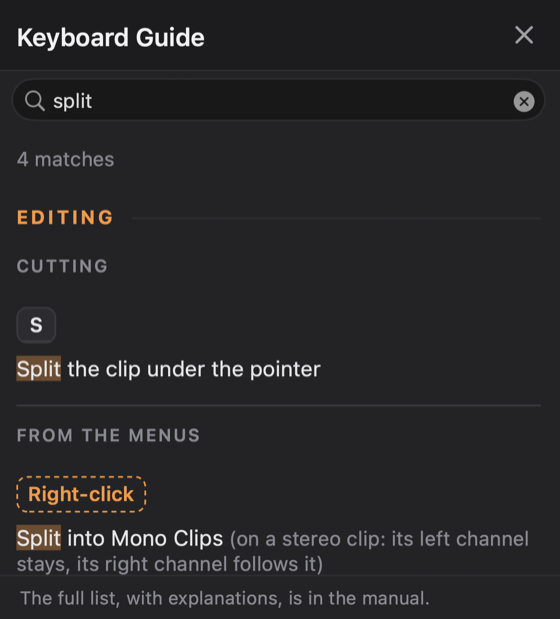
Tap K (or choose Help ▸ Keyboard Guide) and every shortcut in FastTracker is in the drawer. The search box is ready for you to type in the moment it opens.
The same shortcuts, with a few words about each, are on Keys to Tap.