Multitrack Audio Editor · macOS
FastTracker is an easy-to-use, uncomplicated multitrack editor for Mac. Drop in your audio, edit, mix, and have a finished project in minutes. It’s great for anyone who wants headache-free multi-track production — no manual required.
macOS 13 or later · Intel and Apple Silicon · One-time price, no subscription.
No Learning Curve
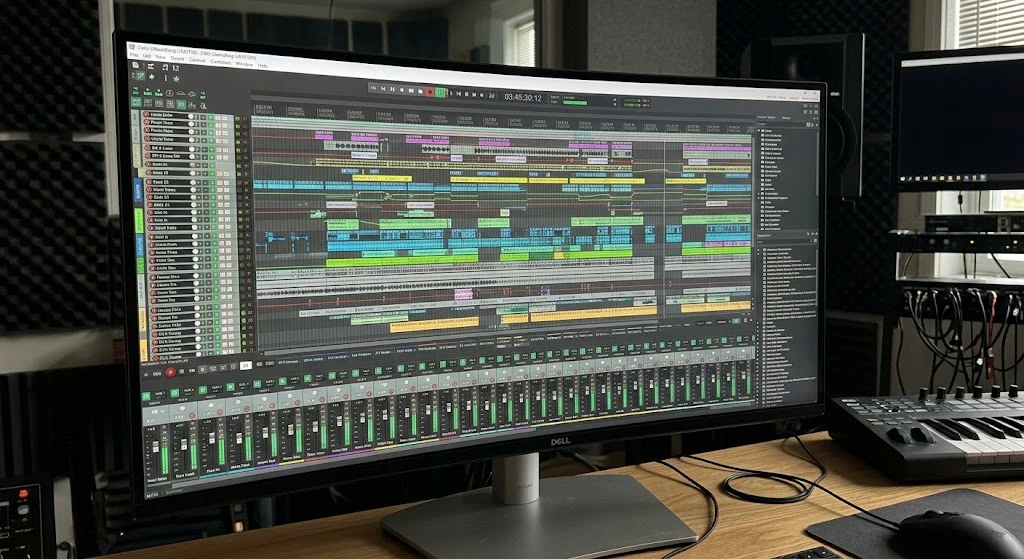
Dozens of tracks, panels, and tiny controls. You need a manual before you can make your first edit.
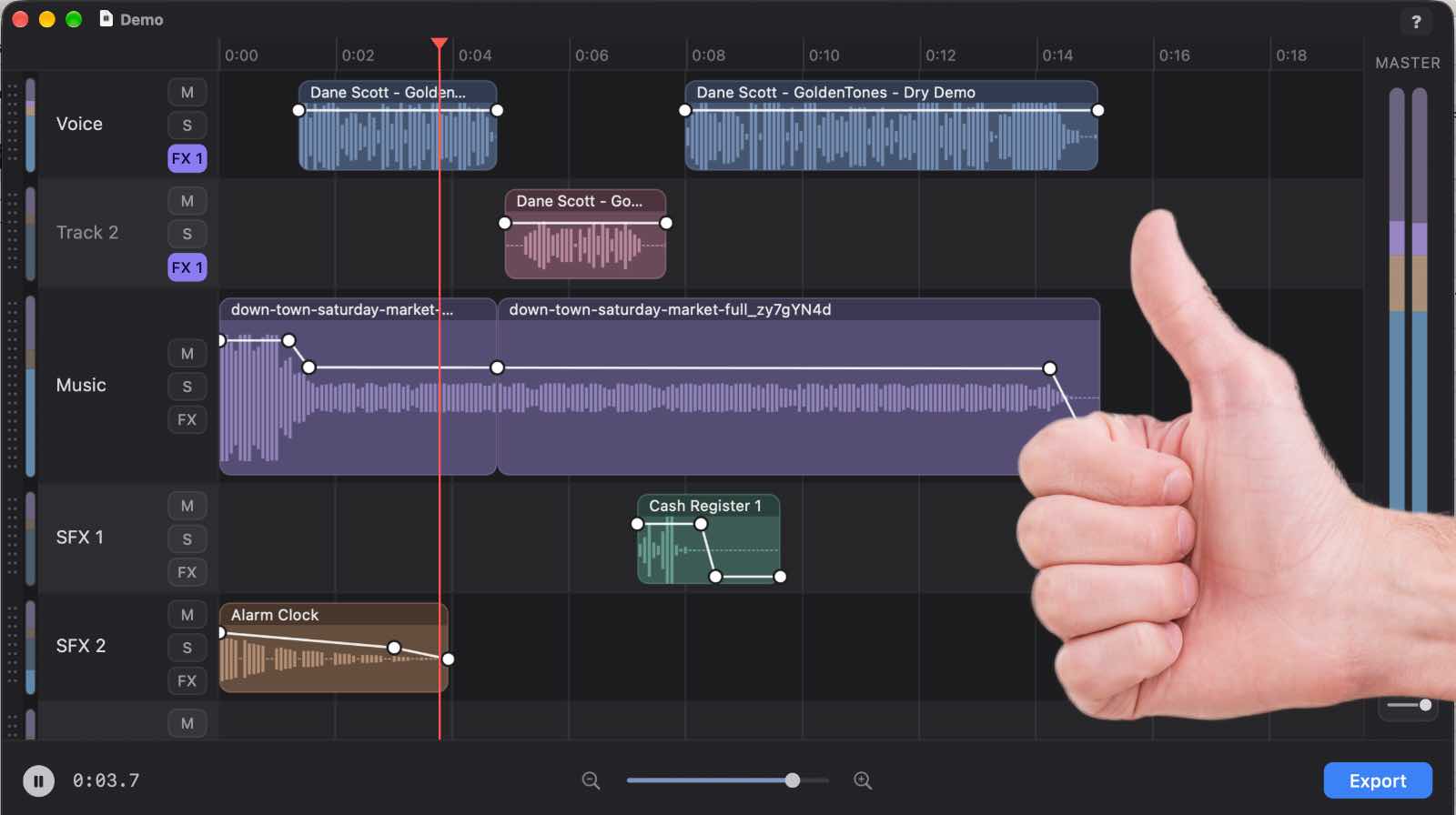
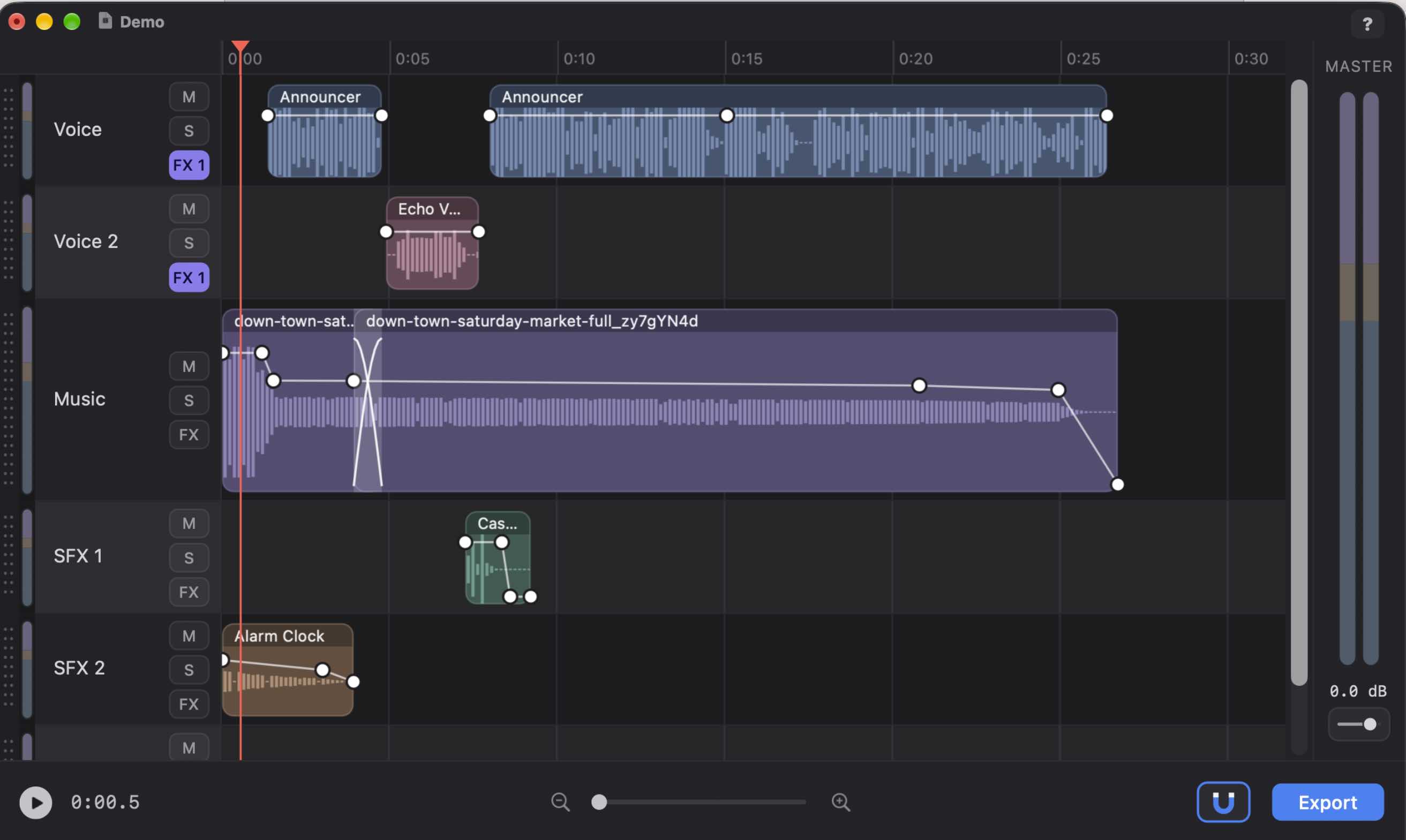
A ruler, your tracks, a play button, and a zoom slider. Hover over anything and context help tells you what it does.
30 Years of Multitrack Experience Brought Us Right Back to the Basics. Improved Basics!
How It Works
FastTracker is easy to use from the first minute. Three steps, and none of them need a tutorial.
Drag your audio files onto the timeline, or use Add Audio. Slow or online-only files show a placeholder and never freeze the window.
Split, trim, move, and overlap your clips. Draw volume and pan right on the clip. Every edit is click-free, and Undo covers all of it.
Set your levels with the faders and meters, add a little compression or reverb, and export your finished mix as an audio file.
Everything You Need
Basic doesn’t mean limited. A short list of simple controls, chosen carefully, that work the way you expect.
Drop files straight onto the timeline, or right-click a track to browse for an audio clip. Your audio is copied into the project, so nothing goes missing.
Every clip edge gets a short automatic fade. Clips that overlap on a track crossfade on their own. Your edits just sound smooth.
Press S to split at the playhead. Drag a clip’s edge to trim it, or its name bar to move it, even onto other tracks. Cut, copy, paste, and delete all work.
Command-click a clip to add rubber-band points, then drag them. The waveform redraws to follow your envelope, so you can see every fade and duck.
Press P on a clip and the line turns green. Draw pan the same way you draw volume, and press P again to go back.
Shift-click or draw a box to select several clips and move, cut, copy, or split them together. Press G to remember them as a group.
Zoom, scroll, and slide with pinch, trackpad, or slider. Press Z to jump between the whole project and your last zoom. It all glides.
Drag the line under any track to make it taller or shorter. Grab a track’s handle to rearrange them. An empty spare track is always waiting.
Per-track faders, mute, and solo, plus a master fader and clear level meters, so you always know where your levels are.
Compression, limiting, EQ, reverb, and more, on any track. Each effect opens its own window, and you can adjust it while the project plays.
Pass your mouse over anything and context help tells you what it does. There’s a ? button for the full documentation, too.
Each project is a single file that holds its own audio. You also get a backup of your previous save, crash recovery, and Open Recent.
Who It’s For
FastTracker is for anyone who wants to do multitrack production without wrestling with a complicated program. You don’t need a studio background, a broadcast background, or a spare weekend to learn it.
Whether you call it multitrack, multi-track, multi track, or multichannel editing, FastTracker is the same thing: a straightforward editor for producing the finished audio you have in mind, designed for Apple Macintosh computers running macOS.
Working in radio? FastTracker is simple, inexpensive radio editing software and a broadcast editor made for the work you do every day: radio production, broadcast production, and everything an ad producer makes, from spots and promos to sweepers, features, and full programs.
It also plays well with others. FastTracker never touches another app’s audio device and uses no processing when it’s idle, so it’s a good citizen on any Mac — even one running AutoCast on the air.
Just So You Know
FastTracker is an audio production app, not a music composition app. There is no MIDI interface. There are no metronomes or beats per measure, no snapping to time signatures, and no sign of autotune anywhere!
What you get is a plain, honest tool for editing and mixing real recorded sound: voices, music you already have, effects, and anything else you drop in.
And FastTracker is not rentware. We don’t believe in it. FastTracker is an inexpensive, straight $79.95 buyout: buy it once, and use it on your Mac forever. No subscription, no monthly fee, nothing to renew.
Good to Know
Instant delivery. After you check out with PayPal, we email you your download link and your license key together.
One Mac per license. Your key works on one Mac. If you get a new Mac, just contact us and we’ll move it for you.
Free updates. You get all updates to your current point release free.
Made for Mac. FastTracker is for Apple Macintosh computers running macOS 13 or later, on both Intel and Apple Silicon.
No recording built in. FastTracker is for editing and mixing. Record in the app you already like, then drop the audio in.
Drop in your audio. Have a finished project in minutes.