TuneTracker Go! · Web App

Program Your Station.
From Anywhere.

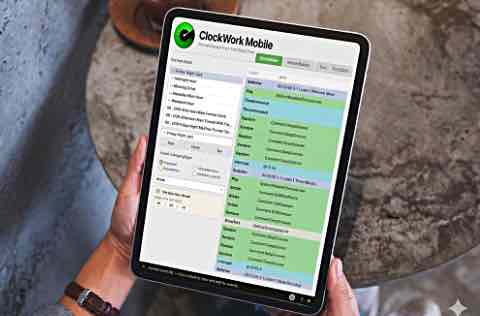
ClockWork Mobile puts your entire scheduling studio in a web browser. Design format clocks, build master logs, generate program logs, and edit schedules — all synced back to your station in real time.
ClockWork Mobile — remote radio scheduling and programming

Your scheduling studio
goes where you go.

ClockWork Mobile is the full ClockWork experience, running right in your web browser through TuneTracker Go!

ClockWork Mobile scheduling

All Four Tabs

ClockMaker, MasterBuilder, TuneStacker, and The Editor — every tab from the desktop app is here. Build format clocks, assign them to hours, generate logs, and make manual adjustments, all from one browser window.

Smart Music Selection

TuneStacker's intelligent rotation picks the right songs using least-recently-used logic with artist and title protection. Generate days of programming with one click — no repeats, no back-to-back same artists.

Real-Time Sync

Every clock you edit, every log you generate syncs straight back to your station. Changes are live immediately — no export, no upload, no waiting. What you do on the road is what the station plays.

Full ClockWork power.
Any browser. Any device.

A quick-scan reference of ClockWork Mobile's capabilities.

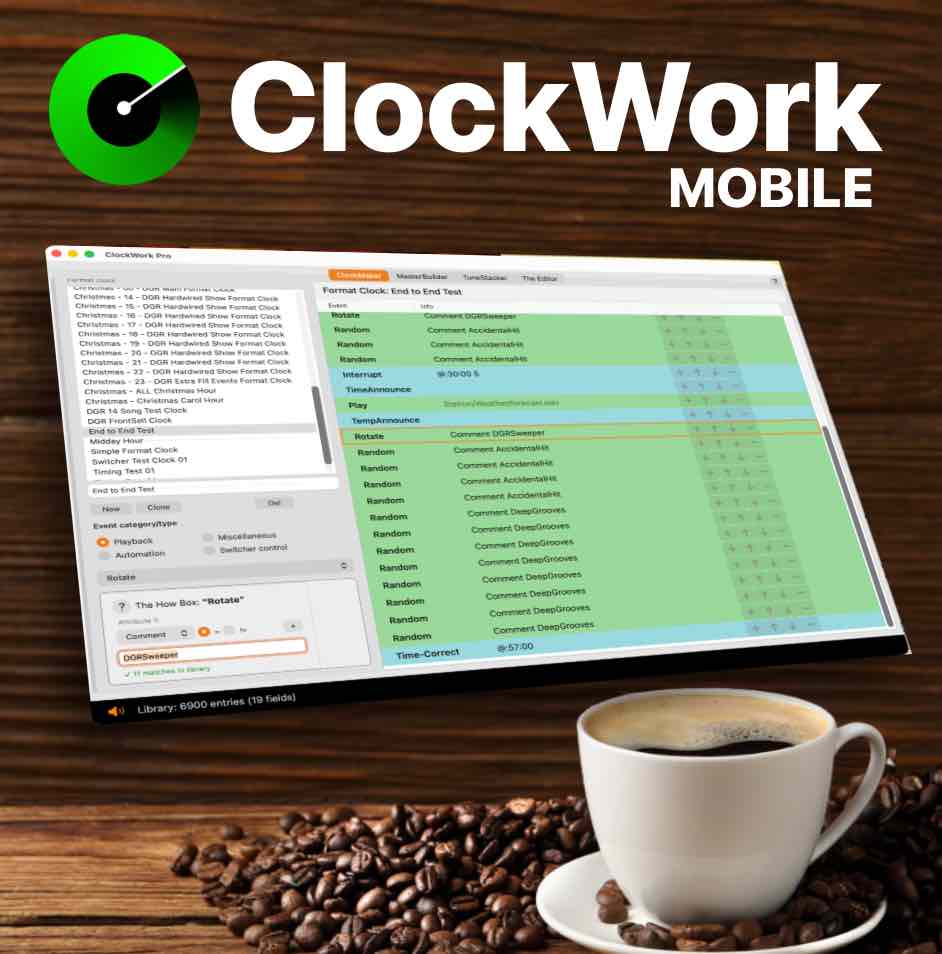
ClockWork Mobile interface

Format Clock Design

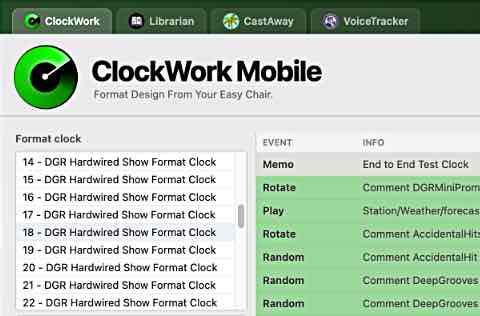
Build and edit format clocks with color-coded events — Random picks, Rotate carts, Breaks, automation commands, and more. Each row is an event, each color tells you the category at a glance.

Master Log Scheduling

Assign a format clock to each of the 24 hours in a day. Create schedules for every day of the week, or build special-event master logs for holidays and programming changes.

TuneStacker Log Generation

Pick a date range and generate program logs automatically. TuneStacker reads your master logs, expands the clocks, and selects songs intelligently from your library.

Program Log Editor

Three-panel interface for manual log editing. Browse your library, drag and drop songs, reorder events, and fine-tune any generated log before it airs.

Proximity Guard

Configurable artist and title separation ensures your station never sounds repetitive. Built-in library health indicators show you exactly how your rotation is performing.

Auto & Manual Modes

Auto mode generates logs daily using day-name master logs. Manual mode lets you generate by day name or by specific dates — your choice for maximum flexibility.

Validation Panel

Real-time checking catches missing clocks, library mismatches, and file-not-found errors before they can cause problems on air.

Full Event Library

Playback events, automation commands, hardware switching, miscellaneous triggers — every event type ClockWork supports is available in the mobile version.

Works on Any Device

Runs in any modern web browser — Mac, PC, iPad, phone. Program your station from wherever life takes you.

$75 one-time — buy it once, own it forever

Your programming studio, on the road.

ClockWork Mobile is purchased right inside TuneTracker Go! — one click, your tab unlocks instantly, no license keys, no email round-trip. Requires desktop ClockWork to be running at the station.

Also in the TuneTracker Suite